How to Log In to A Big Candy Casino

  • 1

    Visit an Australian Domain

    Open any of our official sites in your browser

    bigcandycasinoau.com
  • 2

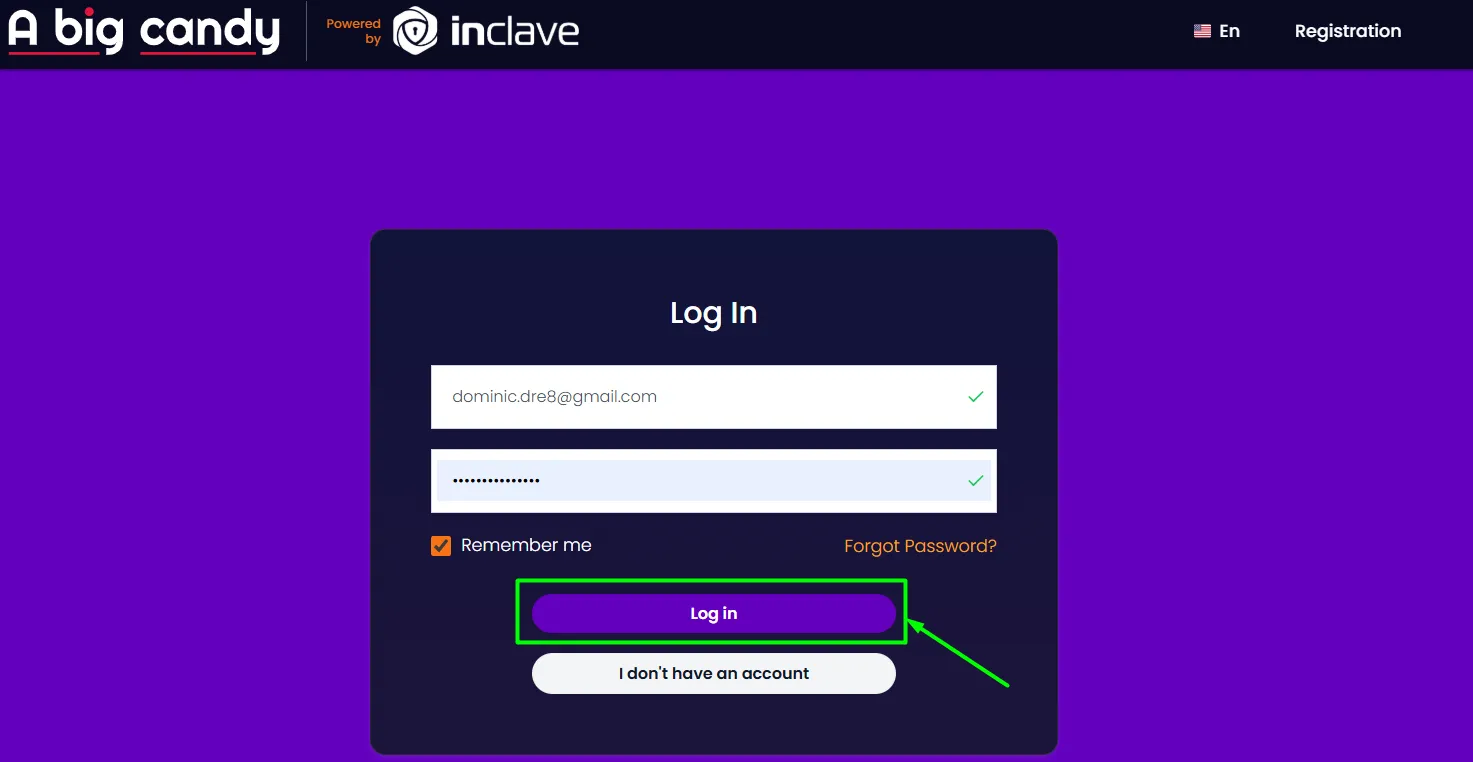
    Click Login or Sign In

    Find the button on the top-right of the homepage and tap it.

  • 3

    Enter Your Credentials

    Type your email address or username and your password.

  • 4

    Click Login

    You're in. Sessions stay active up to 30 days on the same device — no repeat logins needed.

A Big Candy Casino login form
Inclave Users

If you registered through Inclave, simply use your existing Inclave credentials — no separate A Big Candy account details required.

Single sign-on, fully supported

Login Options at A Big Candy

Most Used

Email + Password

Standard login using your registered email address and account password.

Username + Password

Use the username you created during registration along with your password.

SSO

Inclave

Single sign-on via your Inclave account — no separate A Big Candy details needed.

Account Security

128-bit SSL Encryption Active on Every Login
  • Change your password anytime
  • Update your registered email
  • Two-factor authentication (2FA) via SMS or email
  • Set deposit limits for responsible gaming
  • Auto-logout on inactivity
  • Mobile-optimised secure sessions

Forgot Your Password?

Reset via Email

Click Forgot Password on the login page. A reset link will be sent to your registered email. Follow the link and create a new password — at least 8 characters combining letters and numbers.

Need More Help?

Forgotten your username? Try signing in with your email address instead. For persistent access issues, our live chat support is available 24/7 to verify your identity and restore access.

New to A Big Candy?

Registration is quick. You'll need your full name, email, date of birth, Australian mobile number, and residential address. Players must be 18 or older.

  • Email Verification Required
  • Gov. ID for KYC
  • Verified within 24 hours
Create Your Account

FAQ

Double-check that your email/username and password are correct. If you've recently registered, confirm you've verified your email address. For persistent issues, contact our live chat support team who are available around the clock.
Yes. The login page is fully optimised for mobile browsers, and the A Big Candy mobile app experience works seamlessly on both smartphones and tablets — including all Australian-compatible devices.
Inclave is a single sign-on system. If you registered via Inclave, use those credentials to access your A Big Candy account directly — no separate login details are needed.
Go to your account dashboard and navigate to security settings. From there you can activate two-factor authentication to receive a one-time code via SMS or email on each login attempt.
A government-issued ID (passport or driver's licence) and a recent proof of address document (utility bill or bank statement) are required before withdrawals are processed. Verification is typically completed within 24 hours.